My Journey With Custom Crosshairs in Forsaken Mobile
Forsaken crosshair IDs guide: mobile players can customize Roblox crosshairs. Pick clean or fun styles for better aim.
I still remember the first time I loaded into Forsaken on my phone. The lobby was chaotic, the killers were terrifying, and my crosshair was a boring default dot. I had no idea that a tiny setting could change the entire feel of the game. Forsaken is one of the most popular 1 vs all survival games on Roblox, and it is not surprising. With a huge roster of characters and deep customization, there is always something new to try. But for mobile players, one customization option stands above the rest: custom crosshairs.
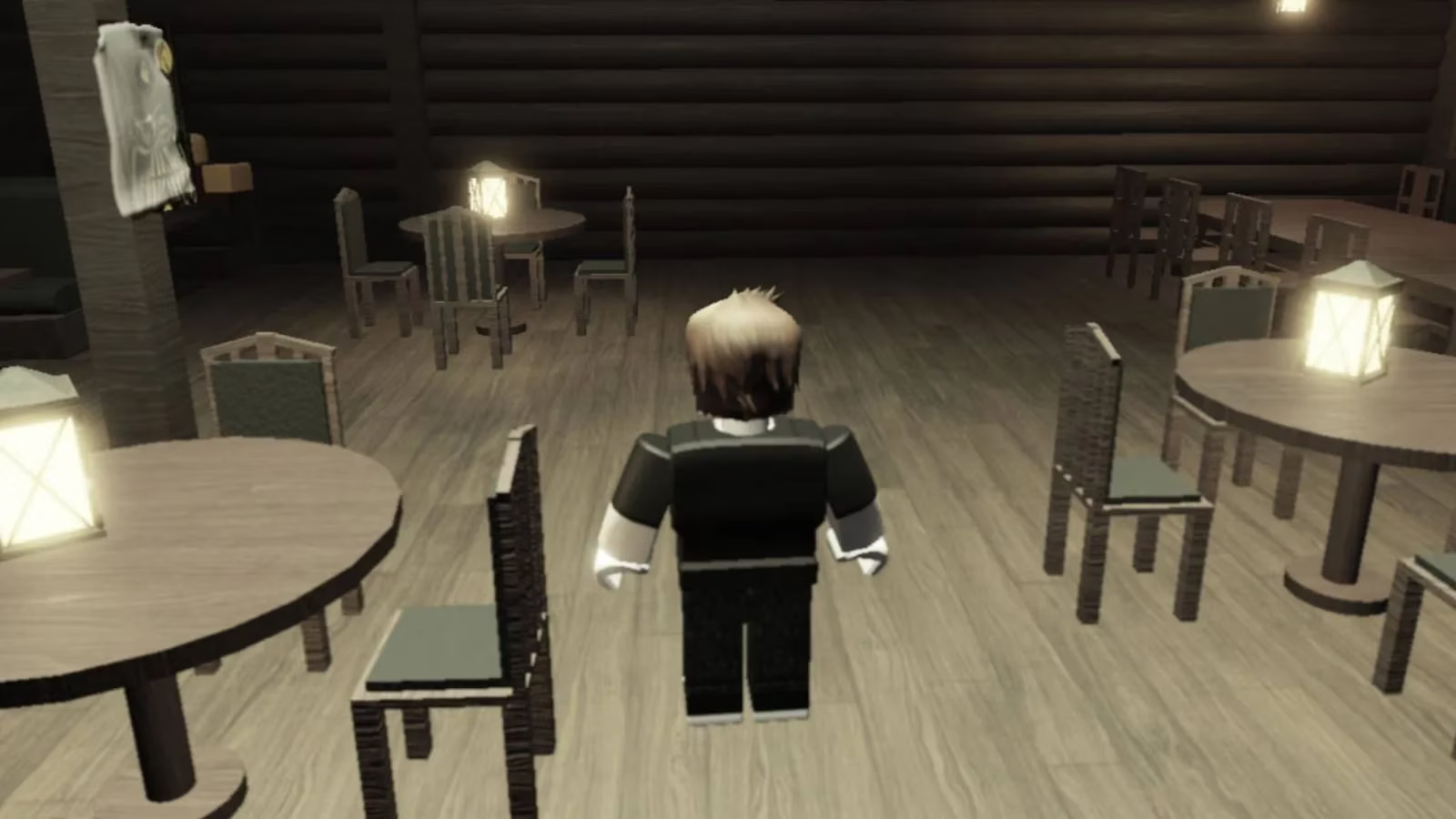
Now, before I go further, I should be clear: custom crosshairs are a mobile-only feature. On PC and console, the crosshair is default. The mobile version is almost identical to those versions in gameplay, but the ability to swap crosshair textures gives it a unique flavor. Some crosshairs are clean and competitive. Some are hilarious. Some are so distracting that you will lose a chase because you are staring at a spinning cat instead of the killer.
Back in September 2025, the feature got a lot of attention when more crosshair IDs were added to community lists. By 2026, it is still one of my favorite ways to personalize Forsaken. If you want to change your boring crosshair, here is exactly what I do:
-
Launch Forsaken on your mobile device.
-
Open Settings.
-
Scroll down until you find the Crosshair ID option.
-
Enter the ID of the crosshair texture you want.
-
Close settings and test the new crosshair in a match.
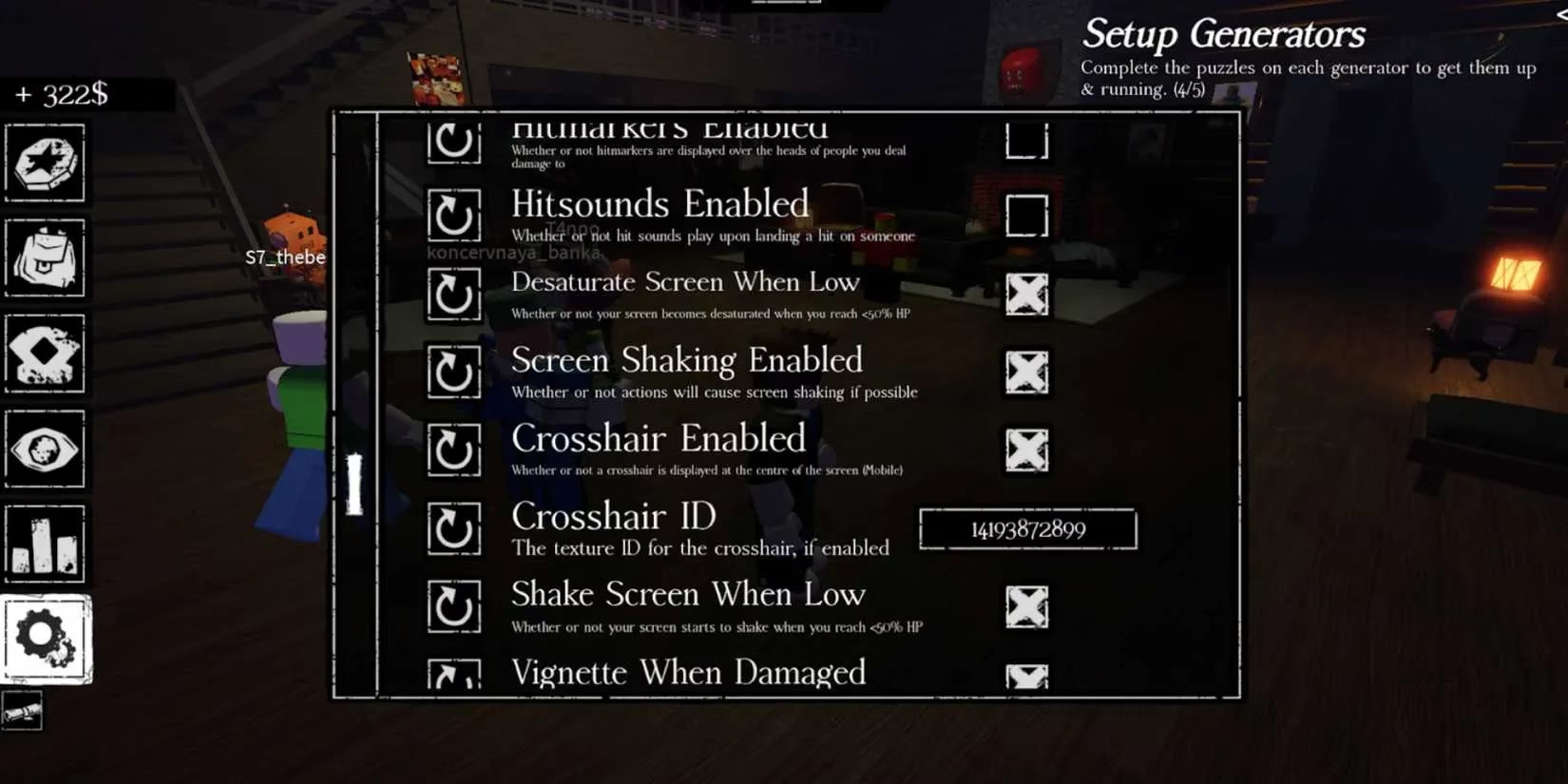
After that, the game instantly updates your crosshair. I usually test new IDs in a private server or a casual match before taking them into serious play. The wrong crosshair can cost you a match. I learned that the hard way when I equipped a giant meme crosshair that covered half my screen. I could not see a trap, and the killer found me in seconds. 😅
Since then, I have tested dozens of crosshairs. My taste has changed over time. When I first started, I wanted the flashiest option possible. Now, I prefer minimal crosshairs that keep my aim clean. Here are the types I recommend, along with what they are good for:
| Crosshair Style | Vibe | Best For | Risk |
|---|---|---|---|
| Tiny dot | Clean and precise | Tracking killers, aiming items | Can get lost on bright maps |
| Thin cross | Competitive and classic | Skill shots, ability timing | Less visible on dark backgrounds |
| Soft circle | Balanced and readable | General survival | Can block small details |
| Heart or star | Cute and expressive | Casual matches, content creation | Distracting in tense chases |
| Meme texture | Funny and chaotic | Playing with friends | High chance of blocking vision |
| Neon shape | High visibility | Dark maps | Too bright in some lighting |
Notice that I did not list exact IDs. That is because the best ID for you depends on your screen, your eyes, and your playstyle. The IDs themselves are numeric codes that the game reads as textures. You can find them shared by the Forsaken community, but you should always try a few before settling. What looks amazing in a screenshot may feel terrible in motion.
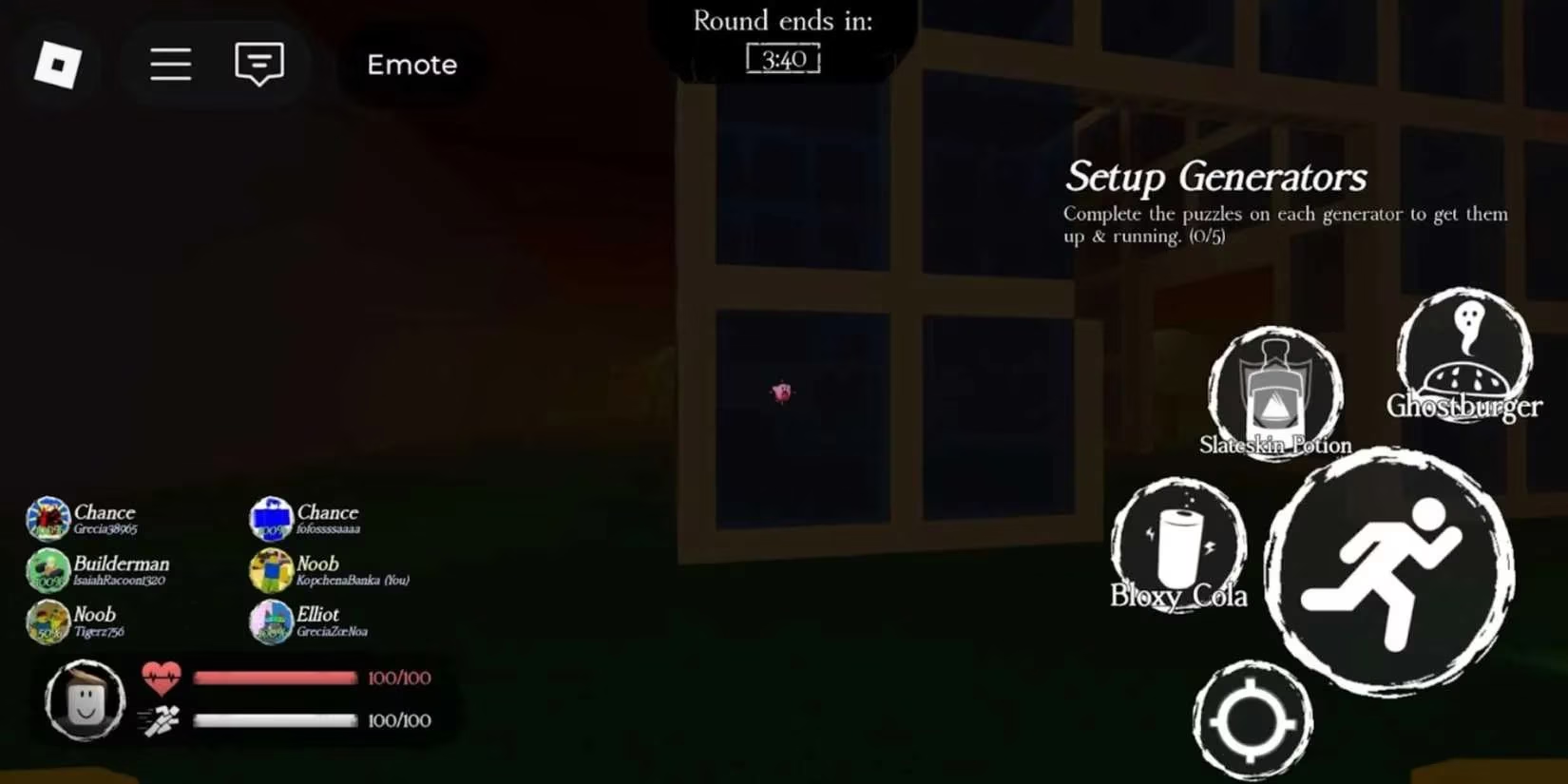
One more thing: you can actually disable the crosshair in Settings. I do not recommend it. In Forsaken, your crosshair helps you use items and abilities, and it gives you a consistent reference point when you are panicking. Without it, I feel like I am playing blind. The only time I turn it off is when I am taking screenshots for fun.
Here is my personal top three after months of testing:
-
A tiny teal dot. It is almost invisible until I need it, and it never blocks my view.
-
A thin white cross with a small gap. It feels competitive and works on most maps.
-
A soft pink circle. It is cute, readable, and big enough to track without covering the killer.
I also keep a meme crosshair saved for when I play with friends. There is something hilarious about running from a monster while a tiny pizza slice sits in the center of your screen. But when I want to win, I go back to the dot.
Forsaken is a game about survival, mind games, and split-second decisions. A crosshair might seem small, but it is part of your interface, your aim, and your identity as a mobile player. If you are on PC or console, you are stuck with the default. If you are on mobile, you have a whole gallery of options. Use them wisely.
To wrap up, here is my advice: enable your crosshair, pick a style that matches your vision, test it in low-stakes matches, and change it whenever the game starts to feel stale. The feature is still one of the best parts of Forsaken mobile in 2026. And if you see a player with a ridiculous crosshair, that might be me. I am probably still testing something new. 😄
Comments